


Tracking one thing
Track When You Last Backed Up a Drive
A drive backup tracker answers a practical household question: when was this named internal, external, or removable drive last backed up? Wen records the household's chosen mark. It does not check whether a backup succeeded, what it contains, or whether it can be restored.
Define the drive-backup event
A drive backup, file copy, sync, restore, recovery, and drive replacement are different events. Name the one your household wants to remember.
- Name the internal, external, removable drive, or volume clearly.
- Use the household's own wording for the chosen drive-backup event.
- Keep the backup record separate from file copies, sync, restore, recovery, and replacement records.
- Mark the Sticker after the household's chosen drive-backup event is complete.
- Keep reminders separate from the factual history.
Why the last drive backup date disappears
A household may use internal storage, external hard drives, removable media, or several volumes. Later, it can be difficult to remember which drive and which event a date referred to.
A named mark preserves the household's chosen event without turning a timestamp into a storage dashboard or a security conclusion.
Drive and backup language depends on the setup
Microsoft separates backup, restore, and recovery features, while Apple distinguishes Mac backups from file storage and restoration. CISA also names external hard drives and removable media as places where important data may be stored.
That context supports naming the drive or volume and event explicitly. It does not establish what was included, whether the backup is current, or whether the data can be restored.
Sources: Backup, restore, and recovery in Windows, Back up your Mac, How to Protect the Data that is Stored on Your Devices
Record the event without claiming protection
Wen can preserve when a household marked a drive-backup event. The mark is a record of what the household chose to record, not an independent check of a device, provider, storage location, or backup file.
Wen does not collect backup contents, file names, credentials, recovery material, or account identifiers, and it does not decide whether a backup is secure, complete, current, sufficient, or recoverable.
Sources: Backup, restore, and recovery in Windows, Back up your Mac, How to Protect the Data that is Stored on Your Devices
Wen
How Wen helps track a drive backup
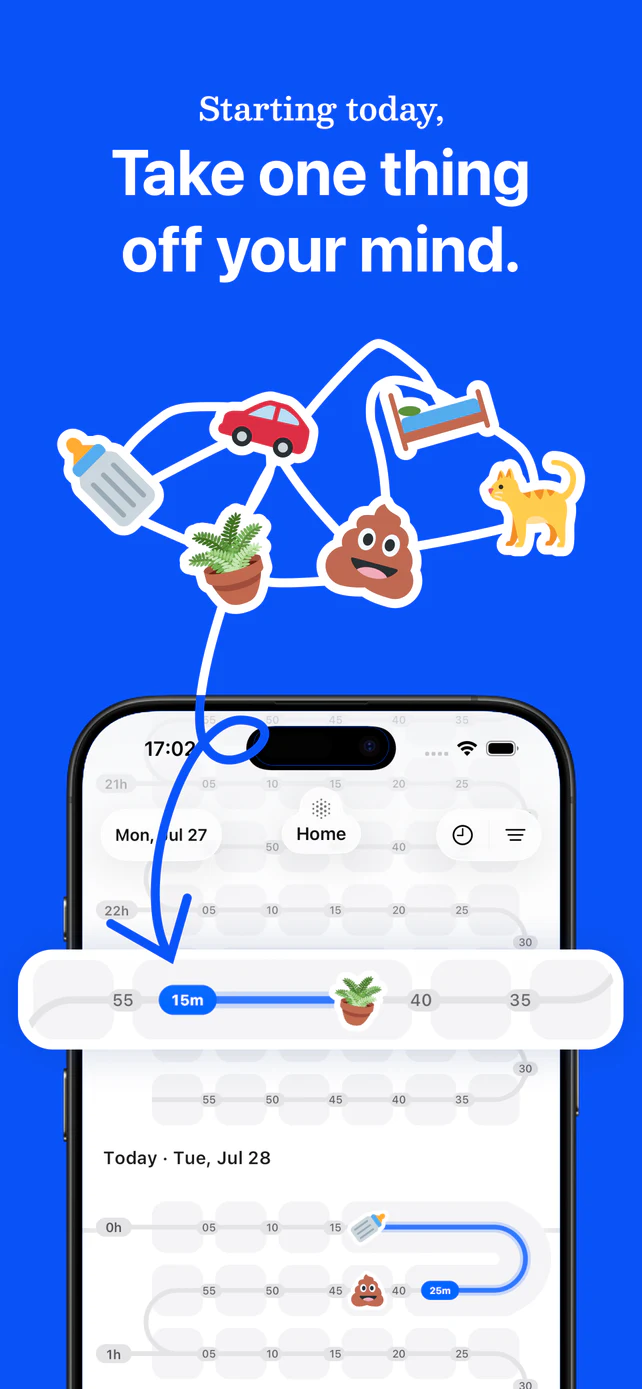
Wen gives a named drive or volume a Sticker, a last-tracked time, and shared history. The person who records the household's chosen event can mark it, and invited members can find the same answer later.
- Create a Sticker for the specific drive or volume.
- Mark it after the chosen drive-backup event is complete.
- Check Last Tracked later instead of reconstructing the date from memory.
A memory record, not a storage or security tool
Wen does not provide backup procedures, storage or encryption guidance, recovery-key handling, retention rules, restore testing, file-selection advice, or a conclusion that a drive backup is secure, current, complete, sufficient, or recoverable.
Sources and further reading
- Backup, restore, and recovery in WindowsMicrosoft Support, accessed 2026. Microsoft distinguishes backup, restore, and recovery and names external drives and network locations.
- Back up your MacApple Support, accessed 2026. Apple distinguishes Mac backup through Time Machine from file storage and restoration.
- How to Protect the Data that is Stored on Your DevicesCybersecurity and Infrastructure Security Agency, accessed 2026. CISA distinguishes data stored on computers, external hard drives, and removable media.
Sources last verified 2026-08-08.