


Tracking one thing
Track When You Last Descaled Your Coffee Machine
A coffee-machine descaling tracker answers a practical memory question: when did we last complete the descaling event for this machine? Wen records the household's confirmed mark. It does not read a warning light, choose a descaler, inspect the machine, or verify the result.
Define the descaling event clearly
Descaling, cleaning removable parts, replacing a water filter, and resetting a warning are different records. Name the one your household actually wants to remember.
- Name the coffee machine, model, or location clearly.
- Mark the Sticker after the model-specific descaling procedure is complete.
- Keep cleaning tablets, brew-group washing, milk-system cleaning, and filter replacement separate.
- Use a reminder as a prompt only, separate from the factual descaling history.
Why the last descaling date disappears
A descaling cycle can be a low-visibility task shared between people in a home. The machine may show a message, a person may handle the cycle, and the date can still disappear once the coffee routine resumes.
A confirmed mark preserves which machine was handled and when the household says the event was completed. It does not turn that date into a maintenance interval.
Descaling is not the same as general cleaning
Philips describes descaling for a named espresso-machine model and treats the water filter and cleaning topics as separate parts of care. Bosch also distinguishes descaling products for limescale from cleaning tablets for coffee-grease residue.
Those product sources support a useful distinction, not a universal process. A coffee machine, espresso machine, pod machine, or filter system may have different events and instructions.
Sources: How to descale my Philips Café Aromis Espresso Machine, Descalers and cleaning care products
Let the model instructions define the procedure
De'Longhi's support material states that the descaling procedure varies by machine model. Manufacturer instructions may define the compatible product, filter handling, sequence, rinsing, and any warning reset.
Wen can preserve when your household marked the completed event. It cannot confirm that the correct procedure was followed or that the appliance is working correctly afterward.
Sources: Descaling guide: Magnifica Evo ECAM29X.5X, How to descale my Linea Classic EM450, Descalers and cleaning care products
Wen
How Wen helps track coffee-machine descaling
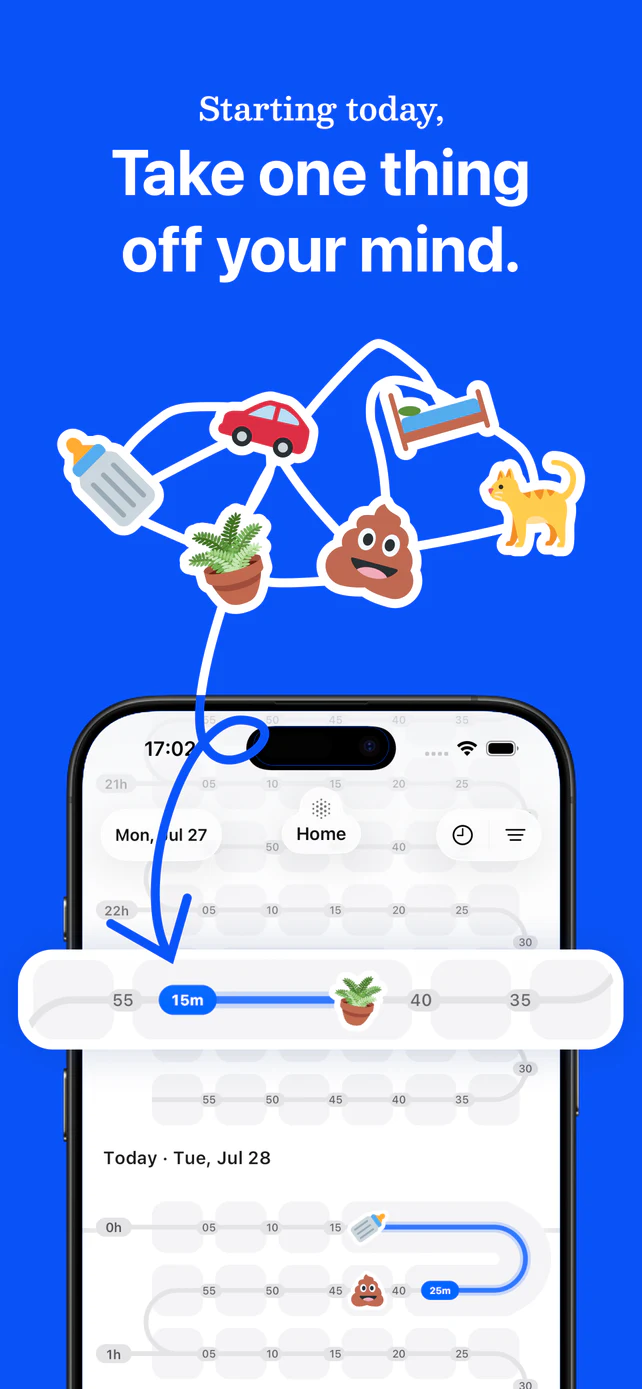
Wen gives a named coffee machine a Sticker, a last-tracked time, and a shared history. The person who completes the household's chosen event can mark it, and invited members can find the same answer later.
- Create a Sticker for the specific coffee machine.
- Mark it when the model-specific descaling event is complete.
- Check Last Tracked later instead of guessing from the machine's message or memory.
A maintenance record, not appliance instructions
Wen does not recommend a descaling interval or product, interpret warning lights, inspect internal scale, assess safety, diagnose faults, or guarantee taste, temperature, performance, or repair. Follow the owner's manual or manufacturer support for the machine.
Sources and further reading
- How to descale my Philips Café Aromis Espresso MachinePhilips Support, accessed 2026. Model-specific descaling context, filter handling, and a separate cleaning topic.
- Descaling guide: Magnifica Evo ECAM29X.5XDe'Longhi Coffee Machines Help Center, accessed 2026. Manufacturer support showing that the descaling procedure varies by machine model.
- How to descale my Linea Classic EM450De'Longhi Support, accessed 2026. Model-specific filter, rinsing, and product-compatibility context.
- Descalers and cleaning care productsBosch, accessed 2026. Manufacturer distinction between limescale-removing descaling tablets and coffee-grease-removing cleaning tablets.
Sources last verified 2026-08-08.