


Tracking one thing
Track When You Last Replaced the Air-Purifier Filter
An air-purifier filter replacement tracker answers a practical home-maintenance question: when did we last replace the filter in the named purifier? Wen records the household's confirmed mark. It does not select a filter, measure air quality, or verify a health outcome.
Define the purifier event
Checking a filter, vacuuming a pre-filter, replacing a filter, cleaning the unit, and diagnosing an air-quality concern are different events. Name the one your household wants to remember.
- Name the purifier, room, model, or filter type clearly.
- Keep inspection, cleaning, replacement, and repair as separate records.
- Mark the Sticker after the chosen replacement event is complete.
- Keep reminders separate from the factual history.
Why the last purifier-filter date disappears
Air purifiers may have more than one filter or a model-specific indicator, and a replacement can happen without a receipt or shared note. A household may remember cleaning the outside of the unit without knowing when the filter itself was replaced.
A named mark preserves the purifier and the completed event. It does not turn a timestamp into a universal replacement interval or an air-quality measurement.
Filter type and model change the context
The US EPA explains that portable air cleaners, filter types, and replacement expectations belong to the product and its manufacturer. Dyson and Blueair guidance demonstrates that filter life and indicator behavior can differ between product families.
That context supports keeping inspection, cleaning, replacement, and repair as separate records. It does not establish one filter life or one indoor-air result for every purifier.
Sources: Guide to Air Cleaners in the Home, Replacement air purifier filters, Air Purifier Replacement Filters
Record the event without making an air-quality claim
The correct filter, cleaning method, reset step, and replacement timing belong to the model's instructions. A household can record a completed event without making the app responsible for choosing the product or interpreting the room's air.
Wen can preserve when the household marked the event. It cannot inspect the filter, measure particles or gases, assess symptoms, or verify a health or performance outcome.
Sources: Guide to Air Cleaners in the Home, Replacement air purifier filters, Air Purifier Replacement Filters
Wen
How Wen helps track air-purifier filter replacement
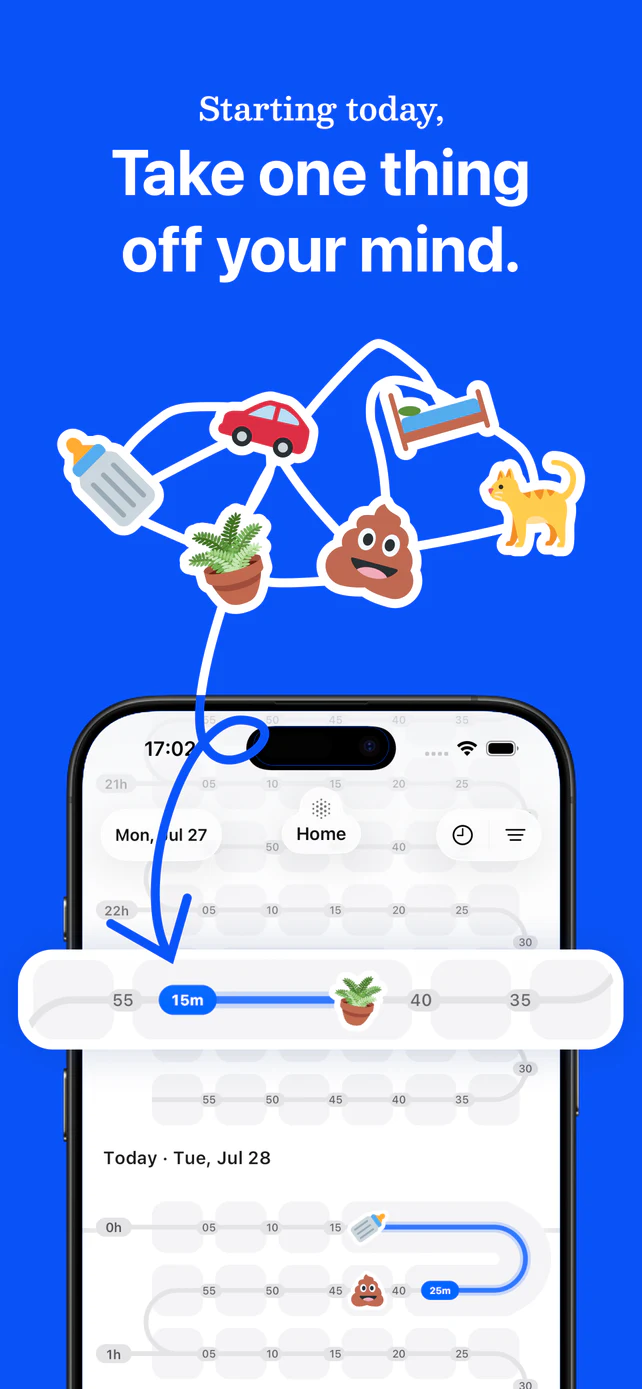
Wen gives a named air purifier a Sticker, a last-tracked time, and shared history. The person who completes the household's chosen event can mark it, and invited members can find the same answer later.
- Create a Sticker for the specific purifier or filter.
- Mark it after the chosen replacement event is complete.
- Check Last Tracked later instead of guessing from the filter reminder or memory.
A maintenance record, not air-quality advice
Wen does not prescribe a replacement interval, filter type, cleaning method, reset step, air-quality interpretation, symptom explanation, or health outcome. Follow the exact model instructions and appropriate professional guidance outside Wen.
Sources and further reading
- Guide to Air Cleaners in the HomeUS Environmental Protection Agency, accessed 2026. Official context on air-cleaner filter types, manufacturer replacement guidance, and limits on health claims.
- Replacement air purifier filtersDyson, accessed 2026. Manufacturer context showing that replacement timing depends on air quality, usage, filter type, and model.
- Air Purifier Replacement FiltersBlueair, accessed 2026. Manufacturer context on product-family filter lifespans, indicators, pre-filters, and replacement filters.
Sources last verified 2026-08-08.